
A reader guide, not a shop
Basetao Spreadsheet finds, from listing to delivery
Browse a product, check the seller and size, then use Basetao to purchase it and inspect it before international shipping. Keep the product decision and the parcel budget together.
Browse 16 product categories
Open a category, compare the original listings and record the exact variant. The check notes on each card suggest a question to resolve before you ship.
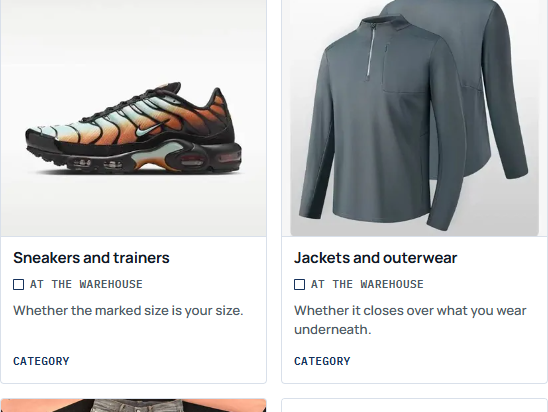
 Sneakers and trainersAt the warehouseWhether the marked size is your size.Category
 Jackets and outerwearAt the warehouseWhether it closes over what you wear underneath.Category
 Hoodies and sweatshirtsAt the warehouseWhether it is the boxy fit in the photo or a slim cut with the same label.Category
 T-shirts and topsAt the warehouseShoulder width, which is where cheap tops go wrong.Category
 Jeans and denimAt the warehouseA waist tag that is a Chinese size rather than an inch measurement.Category
 Sweatpants and joggersAt the warehouseWhether the waist and the inseam match the pair you already wear.Category
 WomenswearBefore you orderWhether the listing in front of you is the garment you meant.Search results
 Jerseys and kitAt the warehouseWhether the name, the number and the badge are the ones you asked for.Category
 Handbags and shoulder bagsAt the warehouseWhether it is the size you pictured.Category
 Hats and capsAt the warehouseCrown depth, which decides whether it perches or sits.Category
 BeltsAt the warehouseTotal length, which is not the same as your waist size.Category
 Sunglasses and framesAt the warehouseFrame width against your face.Category
 Perfume and fragranceBefore you orderWhether it is allowed to leave China in a parcel.Category
 Jewellery and small metalNever checkedWhat the metal actually is.Category
 WatchesNever checkedWhether the movement is the one named.Category
 Consumer electronicsNever checkedWhether it powers on and whether the box is complete.Category
Find the listing
What is the Basetao Spreadsheet?
A searchable product catalogue that helps you move from a category or idea to an original seller listing. It is separate from the shopping agent: the catalogue helps you find an item; Basetao handles the order you place with it.
Understand the Spreadsheet and product cards
Why use this Basetao Spreadsheet?
Category links and a practical check planner keep the next decision close to the find: which listing, which size and which detail to inspect. Save the seller URL and variant as you compare; a product card alone is not proof of stock or quality.
Choose the buying service
What is Basetao?
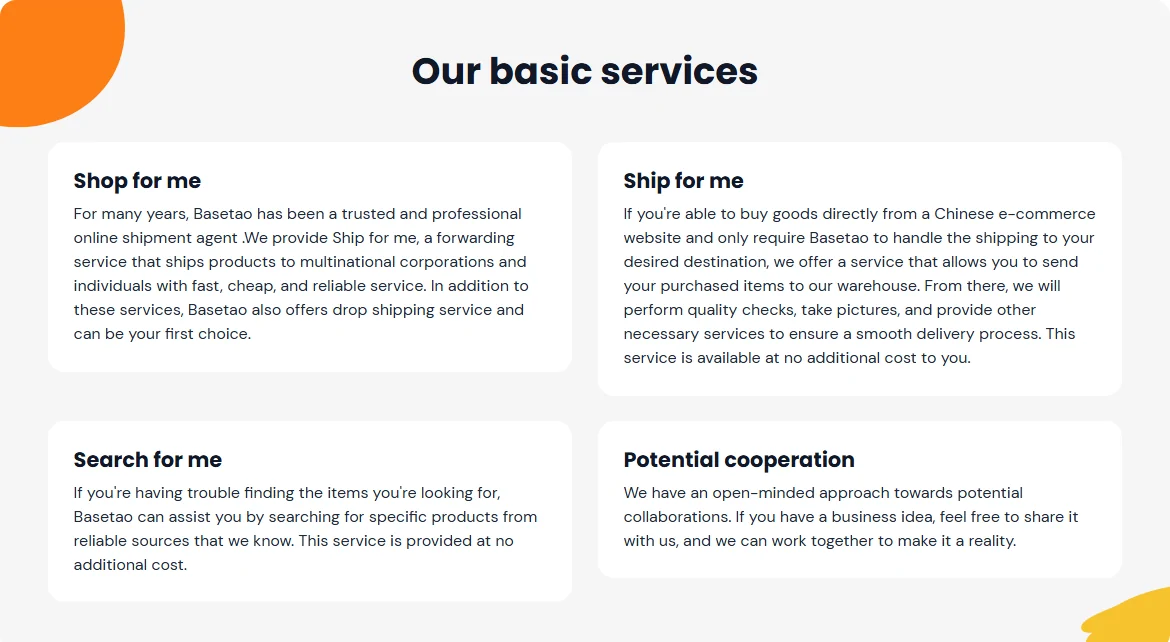
Basetao is a shopping agent: it can purchase from a Chinese seller, receive the item at its warehouse, provide arrival photos and arrange an international parcel. Product payment and international shipping are separate stages.
Why choose Basetao?
Its purchase and forwarding services are useful when you need a warehouse step before shipping. Published inspection rules and optional measurements give you specific questions to ask. Confirm your destination, item restrictions, current fees and the checks you need before paying.
Services, costs and agent comparison · What an inspection cannot establish
A practical buying sequence
How to use the Basetao Spreadsheet and place an order
- Save the original listing. Check the seller, variant, price and size chart. Keep the URL even if you found it through a picture.
- Place the agent order. Paste the URL into Basetao, confirm the options, add any measurement request and pay the first invoice.
- Review the warehouse evidence. Compare the QC photos with the order. Request a missing view or measurement before deciding to keep or return.
- Quote and send the parcel. Choose packaging and an eligible route, review the packed-weight quote, pay international shipping and keep the tracking details.
Follow the ordering guide · Choose a QC check · Plan shipping and delivery
Keep the order moving
Guides and help for the next decision
Before you pay
Find a lost listing, compare seller terms and resolve the size or shipping question while you can still change your mind.
Find a product and check the seller
Choose a useful Spreadsheet
After the item arrives
Check photos promptly, keep packaging until any return is settled, and ask support with the order number and a clear description of the issue.
Help centre, FAQ and shopping terms
Dated policy readings and notices
About this independent guide